03 / Walk guide
Model Walk Video: Film and Review Your Own Walk
Watching a model walk tutorial helps, but watching yourself helps more. Filming your walk is how you see what a coach sees. Here is how to set it up and what to look for.
 Save this guide to Pinterest
Set up and review
- 01
Clear a walking space
You need about four to six metres of straight floor. A hallway works well. Hard floors are better than carpet, because you can hear your beat and see your foot placement clearly.
- 02
Position the phone
Prop your phone at about hip height, in portrait, at the end of your walking space. Your whole body, head to feet, needs to stay in frame for the whole walk. Lean it against books or use a small tripod.
TipRecord a test walk first and check your feet don’t leave the frame near the camera.
- 03
Get the light right
Film with the light in front of you or to the side, never directly behind you. A window behind you turns you into a silhouette and hides every detail.
- 04
Film two angles
Front view: walk straight towards the camera. It shows your line, your arms and whether your head stays level. Side view: walk across the frame. It shows your posture, your stride and whether you bounce.
- 05
Review at half speed
Watch each clip once at normal speed for the overall impression, then at half speed for the details. Pause on a mid-stride frame from the side to check your posture line.
- 06
Pick one thing
Write down the single biggest thing you want to change. Not five. Practise it for a few days, then film again from exactly the same spot and compare.
TipKeep your videos in one album so you can compare over weeks.
Why filming works
Your sense of your own body while walking is not very accurate. Almost everyone thinks they walk straighter, slower and more upright than they do. Video removes the guesswork. It is also the best way to see progress, because small daily changes are invisible to you but obvious in a before-and-after.
Front-view checklist
- Do your feet land close to one line?
- Does your head stay at the same height in the frame?
- Do your arms swing evenly on both sides?
- Do your shoulders stay level?
- Does your pace stay the same from start to end?
Side-view checklist
- Is your ear roughly over your shoulder?
- Are you leaning forward or back?
- Does your front heel land just ahead of your body, or far in front?
- Do your arms swing forward and back, not across?
- Does your head bob up and down?
From video to practice
Match what you find to a guide:
- Feet on two tracks: runway walking
- Head bobbing: stride length
- Eyes down: head and gaze
- Stiff arms: what to do with your arms
- Leaning or slouching: good posture while walking
Let the app do the review
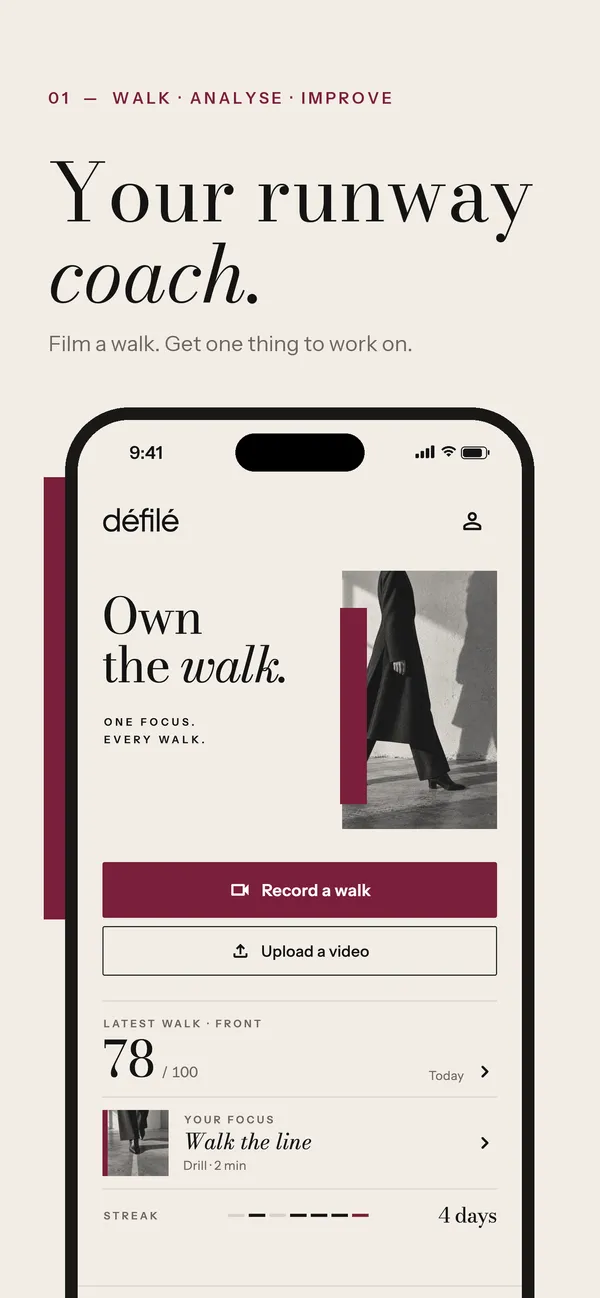
Défilé does this review for you. Film a walk from the front or side, and it measures your posture, alignment, tempo and runway line, gives you a walk score out of 100 and picks the one thing to work on next, with a short drill. The video is analysed on your phone and never uploaded.
Questions
Front or side view: which is better?
Both. The front view shows your line and your arms; the side view shows your posture and stride. Alternate between them each week.
Can I film on a treadmill?
It is better than nothing, but a treadmill changes your stride and pace. Film on a flat floor where you walk normally.
Common mistakes
- Filming from a low angle, which distorts your legs.
- Only filming from the front, so you never see your posture.
- Changing the camera position between videos, so you can’t compare.
- Watching with a critic’s eye. Look for one fix, not everything wrong.
- Deleting the first video. It is your best before-and-after.
Défilé · Walk score
Défilé reviews your video for you. Film a walk and get your walk score.
Film a walk and Défilé scores it out of 100, shows you the one thing holding it back and gives you a short drill to fix it. Your video never leaves your phone.
 On Android? Défilé is coming soon to Google Play.